Screenshots use sample data and English labels. Follow the translated instructions on this page; your theme, language, permissions and license can change the available controls. Select an image to view it at full size.
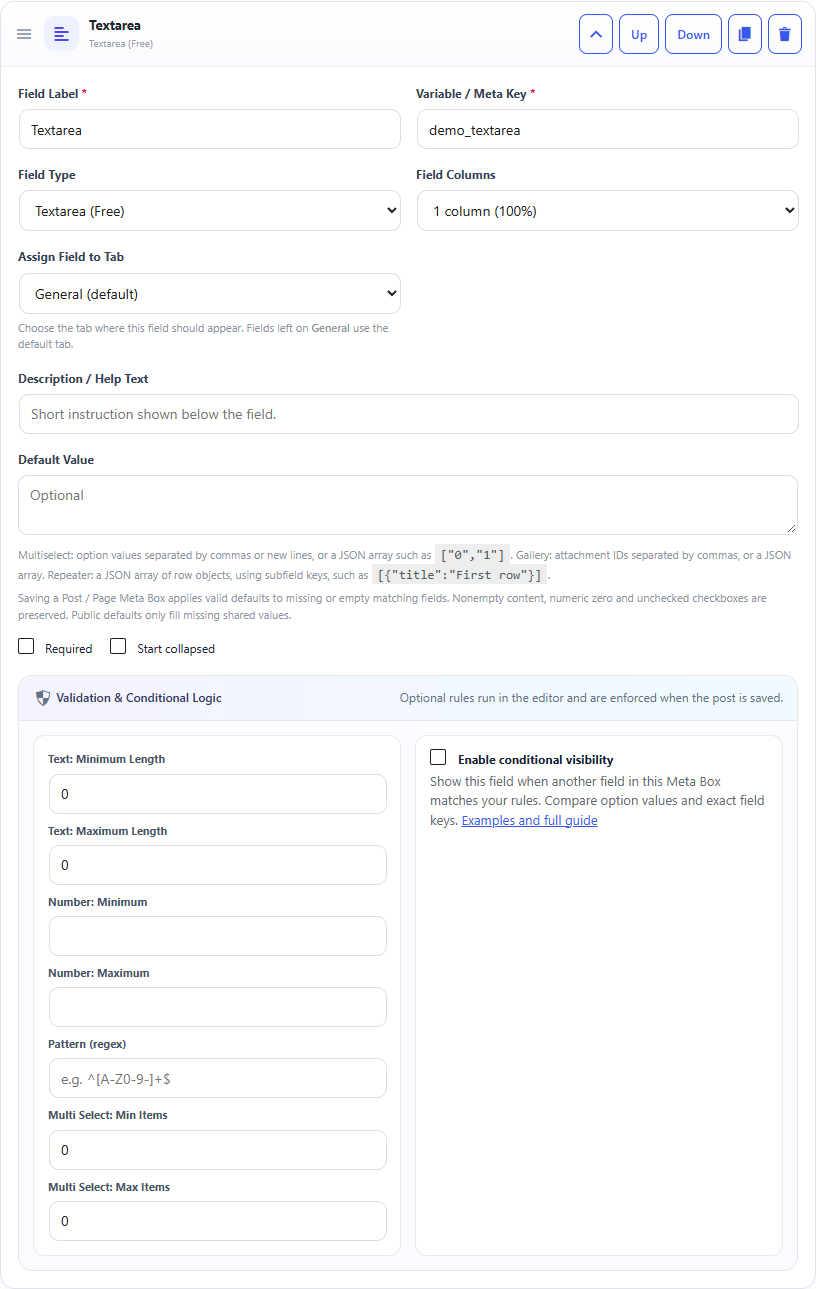
Textarea field: builder settings, storage key and validation options.Textarea field: sample controls in the content editor.
What it doesStores multiple lines without rich formatting.
Use it whenLong notes, instructions, excerpts or plain-text descriptions.
How to configureAdd the field label, key and optional default. Choose a larger field width if needed.
Saved asSanitized plain text with line breaks.
EXAMPLE
Internal Notes
Call the client before publishing.
Read a Textarea Field in PHP
Use the field Key from the builder as the second argument of get_post_meta(). Escape or sanitize the value for its final output context.
Textarea values are stored as text. esc_html() keeps the text safe; nl2br() is optional when you want saved line breaks displayed as HTML line breaks. Security: Escape the value for its output context; do not print unescaped post meta directly into HTML.