
Import & Export
Move Meta Box definitions between sites with a review step before anything is changed.
Screenshots and walkthrough — expand to view
Screenshots use sample data and English labels. Follow the translated instructions on this page; your theme, language, permissions and license can change the available controls. Select an image to view it at full size.
Export
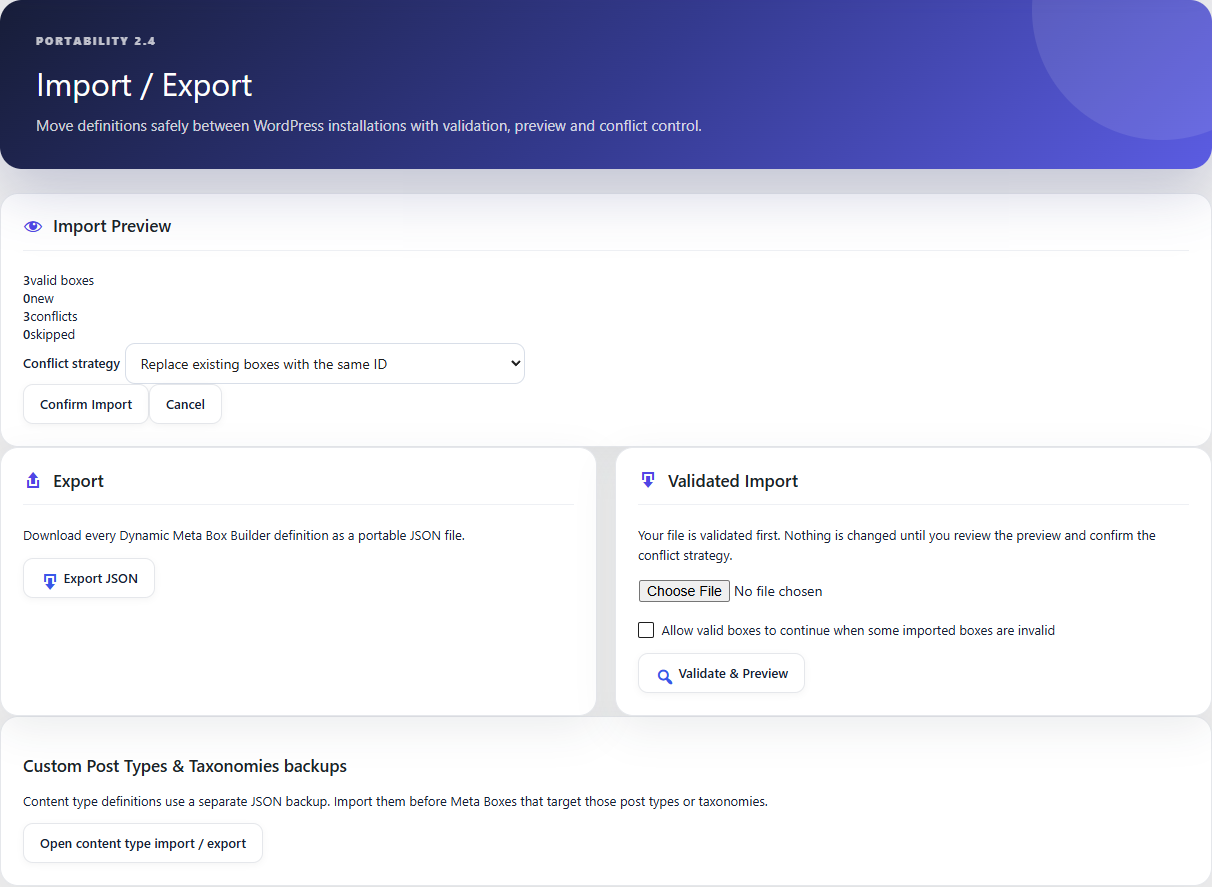
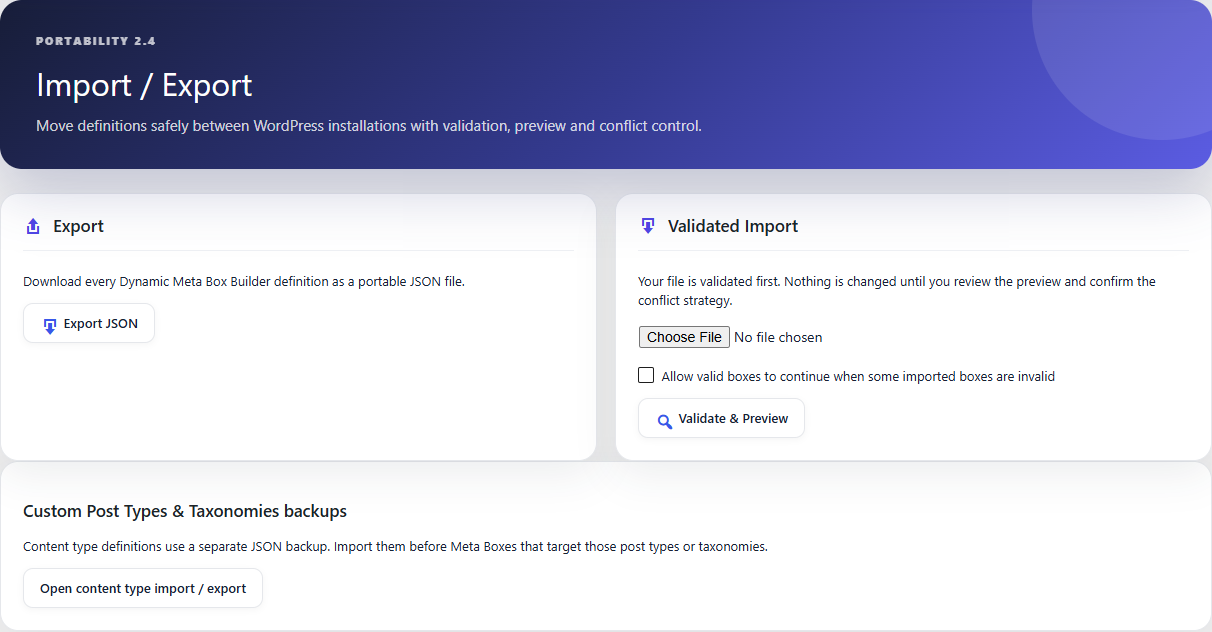
Use Import / Export → Export JSON to create a portable definition file. The export contains configuration, not the post metadata stored against your content.
Validate & Preview
Upload JSON and validate it before committing. The preview identifies valid boxes, new definitions, conflicts and invalid/skipped items.
Conflict modes
Replace updates matching IDs, Keep skips conflicts, and Rename creates unique IDs for imported conflicts.
What is not moved
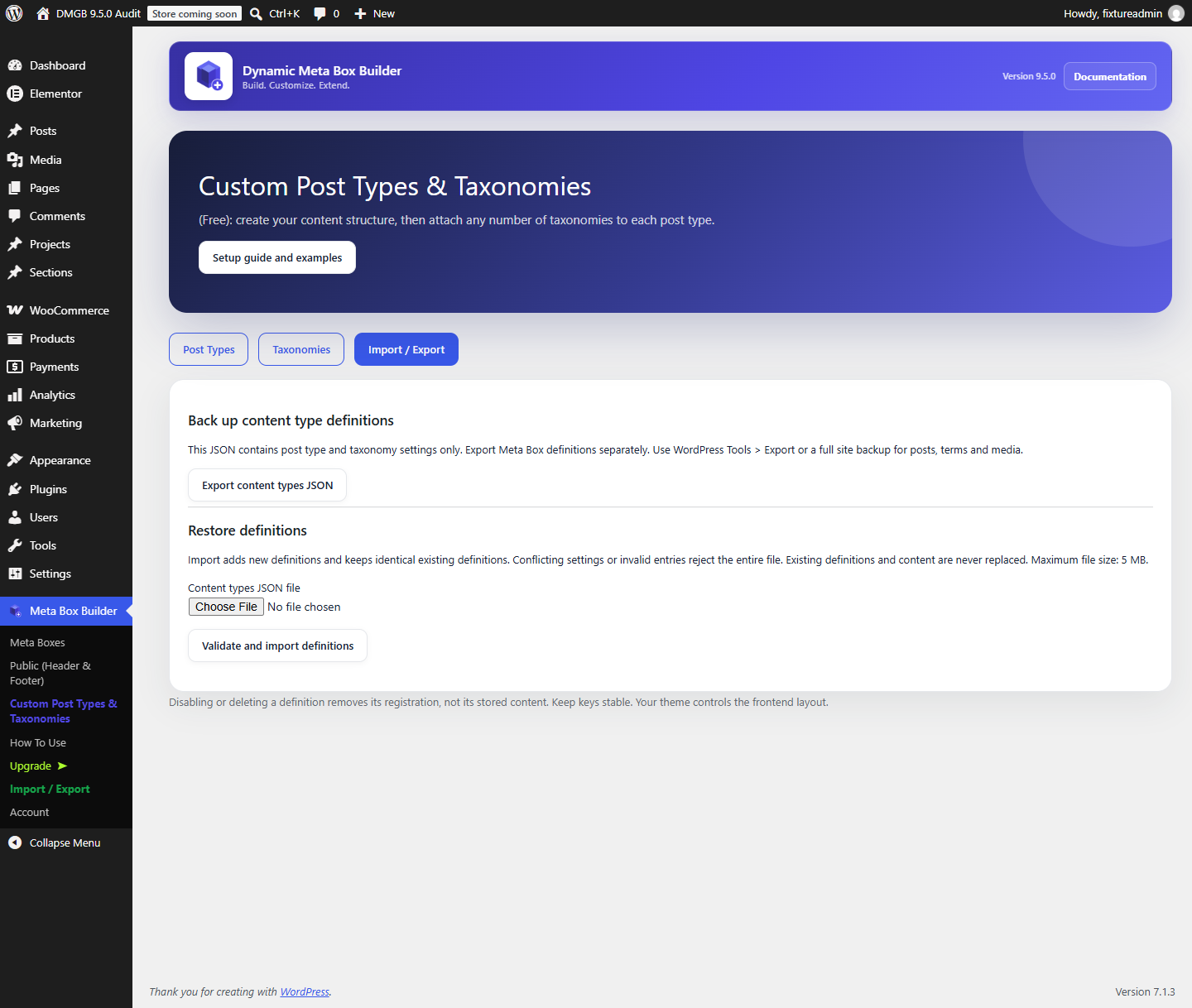
Import/export does not migrate existing post metadata. Media attachment IDs and site-specific taxonomy/template references may also require review on the destination site.
Documentation for Dynamic Meta Box Builder 9.5.0.