Store a value without displaying an editor control.
Screenshots and walkthrough — expand to view
Screenshots use sample data and English labels. Follow the translated instructions on this page; your theme, language, permissions and license can change the available controls. Select an image to view it at full size.
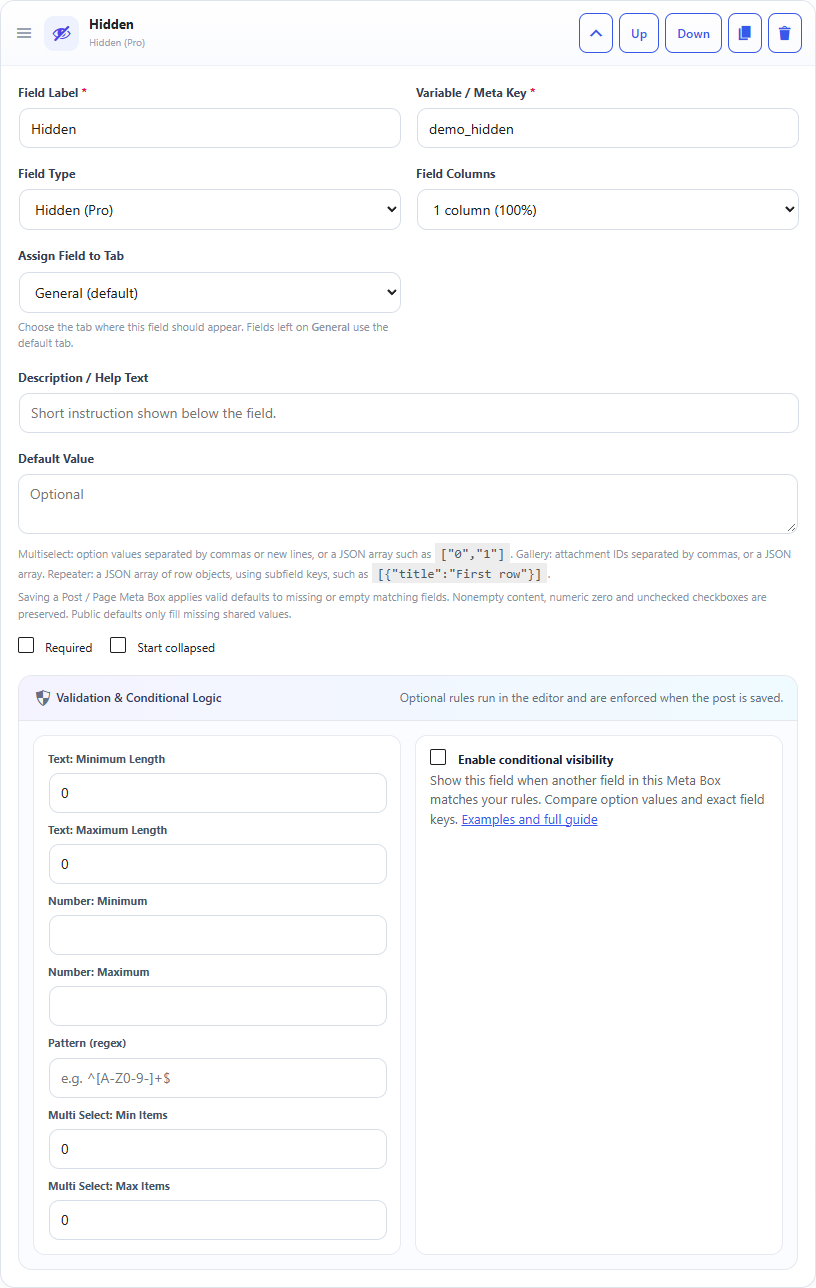
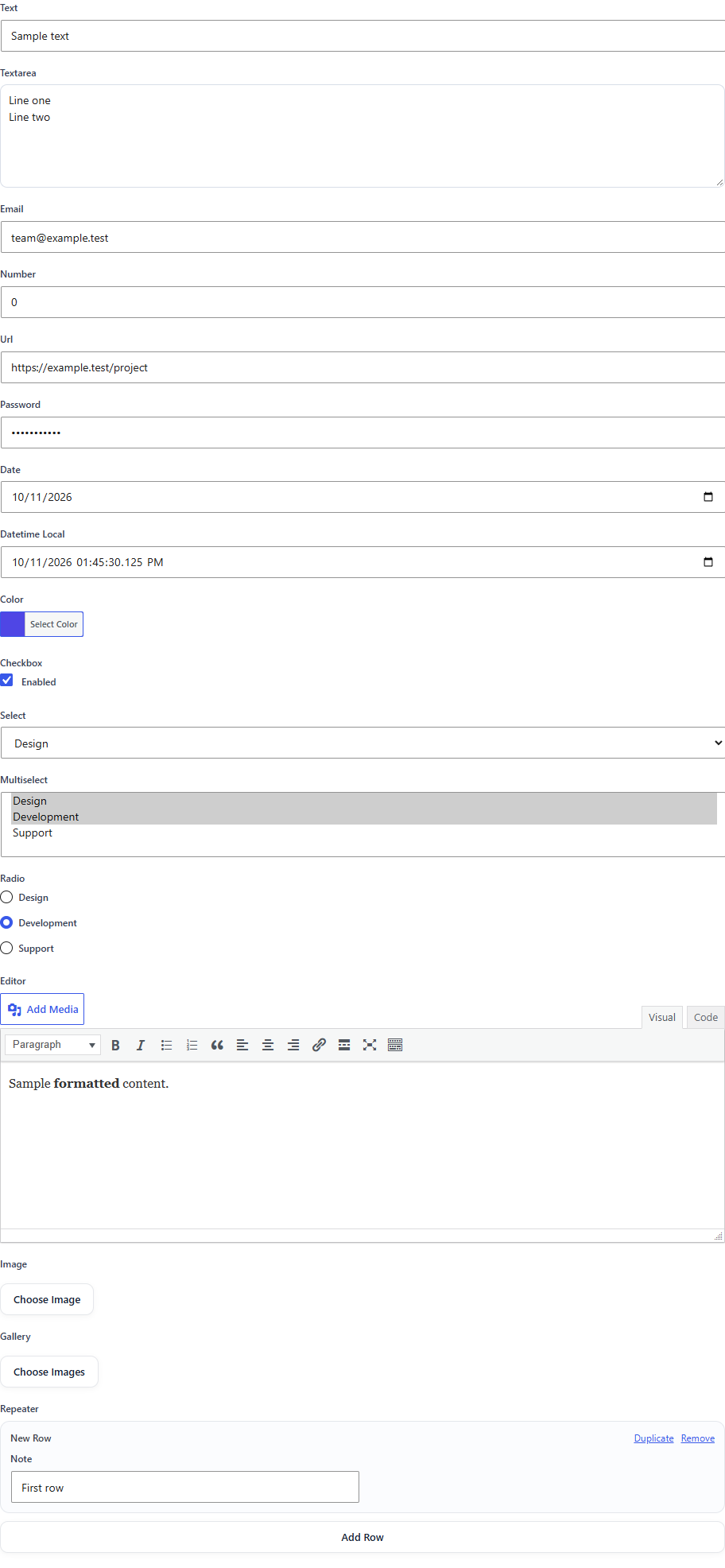
Hidden field: builder settings, storage key and validation options.Hidden fields have no visible input. The builder defines their key and initial value; this editor overview shows the surrounding fields.
What it doesCreates a hidden input that still participates in post saving.
Use it whenFixed flags, internal markers or controlled values.
How to configureSet the default value. The editor will not see a visible control.
Saved asA sanitized string in post meta.
EXAMPLE
Content Marker
landing-page
Read a Hidden Field in PHP
Use the field Key from the builder as the second argument of get_post_meta(). Escape or sanitize the value for its final output context.
Hidden fields are still ordinary post meta values. A Hidden field is not a security mechanism because users with appropriate editing access can inspect or change post data.
Important: Hidden does not mean secure. Do not use it to protect secrets or permissions.