Screenshots use sample data and English labels. Follow the translated instructions on this page; your theme, language, permissions and license can change the available controls. Select an image to view it at full size.
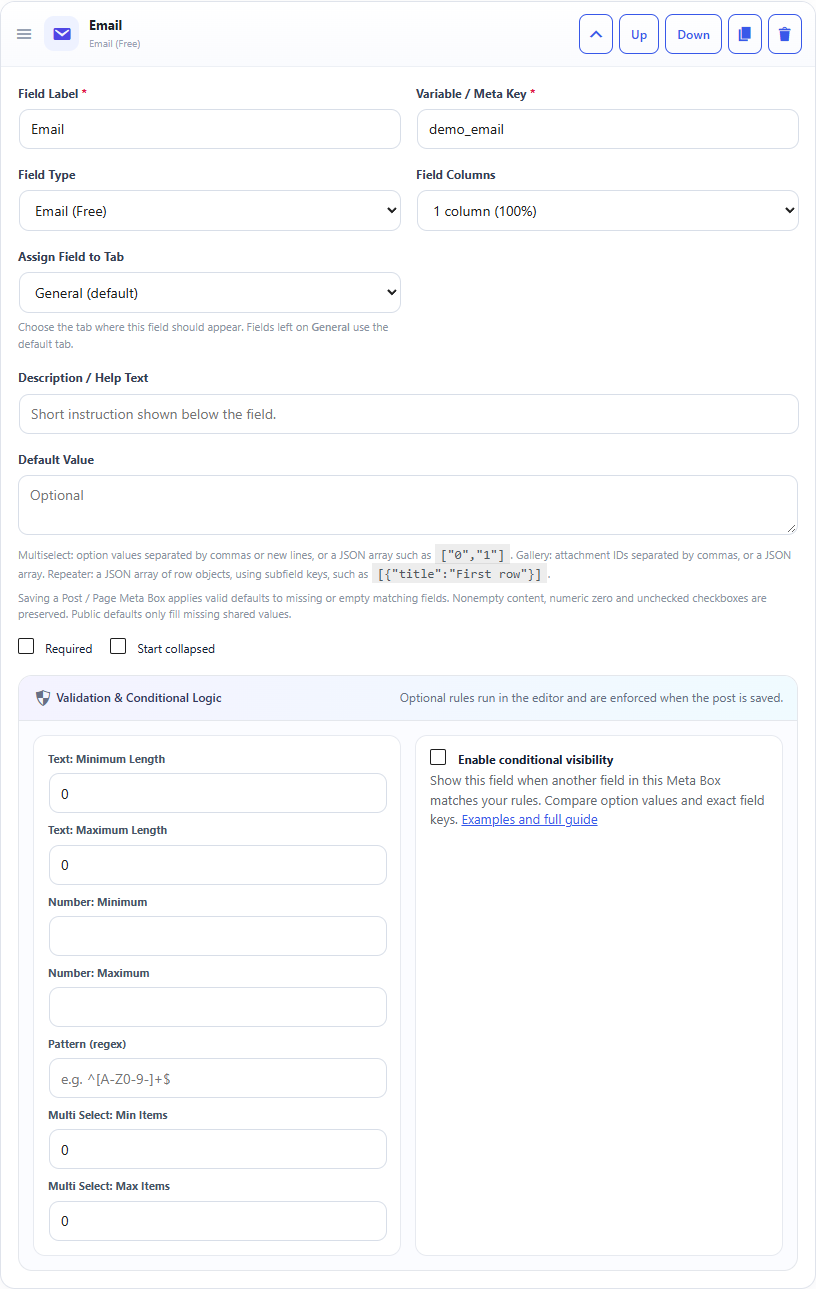
Email field: builder settings, storage key and validation options.Email field: sample controls in the content editor.
What it doesStores an email address after sanitization.
Use it whenContact emails, author emails or support addresses.
How to configureSelect Email. WordPress/browser validation helps reject malformed addresses.
Saved asA sanitized email string.
EXAMPLE
Support Email
support@example.com
Read an Email Field in PHP
Use the field Key from the builder as the second argument of get_post_meta(). Escape or sanitize the value for its final output context.
The saved value is a string. is_email() is useful when you need to verify the value before using it. Security: Escape the value for its output context; do not print unescaped post meta directly into HTML.