Screenshots use sample data and English labels. Follow the translated instructions on this page; your theme, language, permissions and license can change the available controls. Select an image to view it at full size.
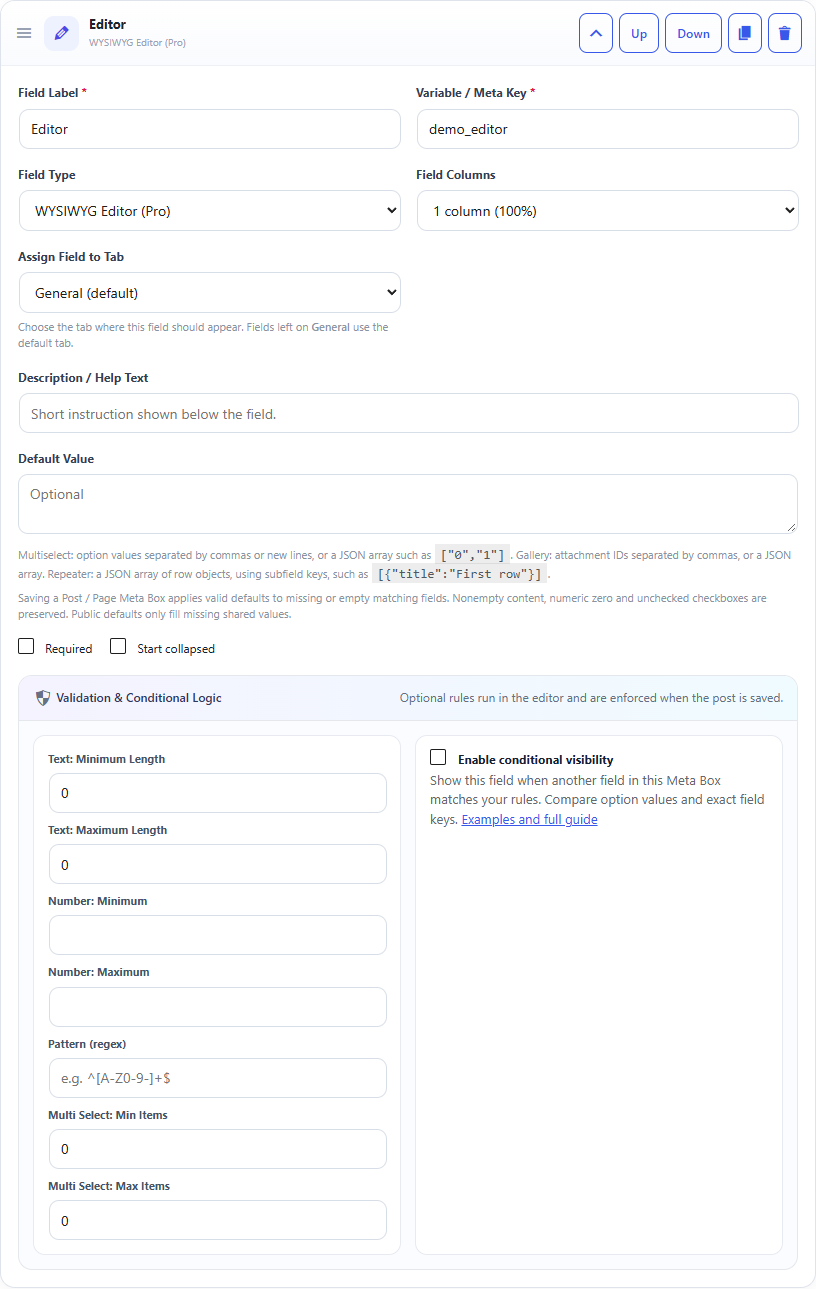
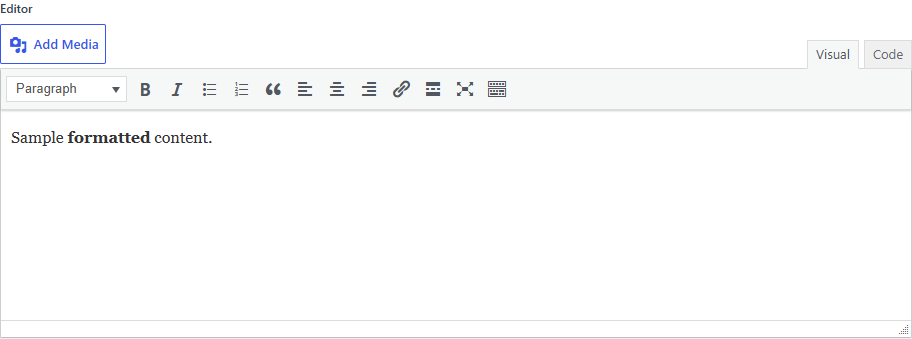
WYSIWYG Editor field: builder settings, storage key and validation options.WYSIWYG Editor field: sample controls in the content editor.
What it doesAllows formatted content, links, lists and media through WordPress editor controls.
Use it whenLong formatted content such as sections, descriptions or reusable copy.
How to configureSelect WYSIWYG Editor. Add optional help text. The field uses WordPress wp_editor().
Saved asAllowed HTML after WordPress KSES sanitization.
EXAMPLE
Product Description
A formatted product description with links and lists.
Read a WYSIWYG Editor Field in PHP
Use the field Key from the builder as the second argument of get_post_meta(). Escape or sanitize the value for its final output context.
The Editor stores sanitized HTML. Do not use esc_html() if you want the formatting, links and lists to render. Use wp_kses_post() for safe post-style HTML output. Security: Escape the value for its output context; do not print unescaped post meta directly into HTML.