
Tabs & Repeaters
Organize complex editor forms without creating nested metadata structures.
Screenshots and walkthrough — expand to view
Screenshots use sample data and English labels. Follow the translated instructions on this page; your theme, language, permissions and license can change the available controls. Select an image to view it at full size.
Tabs
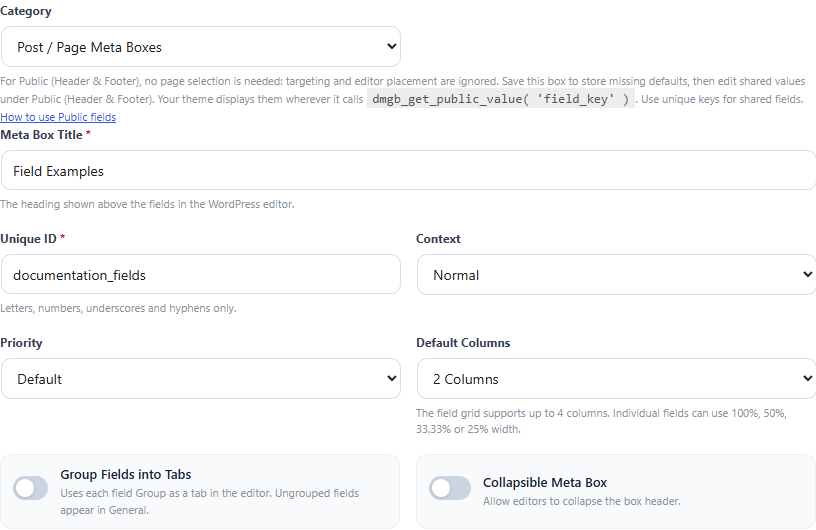
Enable tabbed groups when your box has several logical sections. Group fields with the same group name to place them together. Ungrouped fields can appear in the General area.
Repeater basics
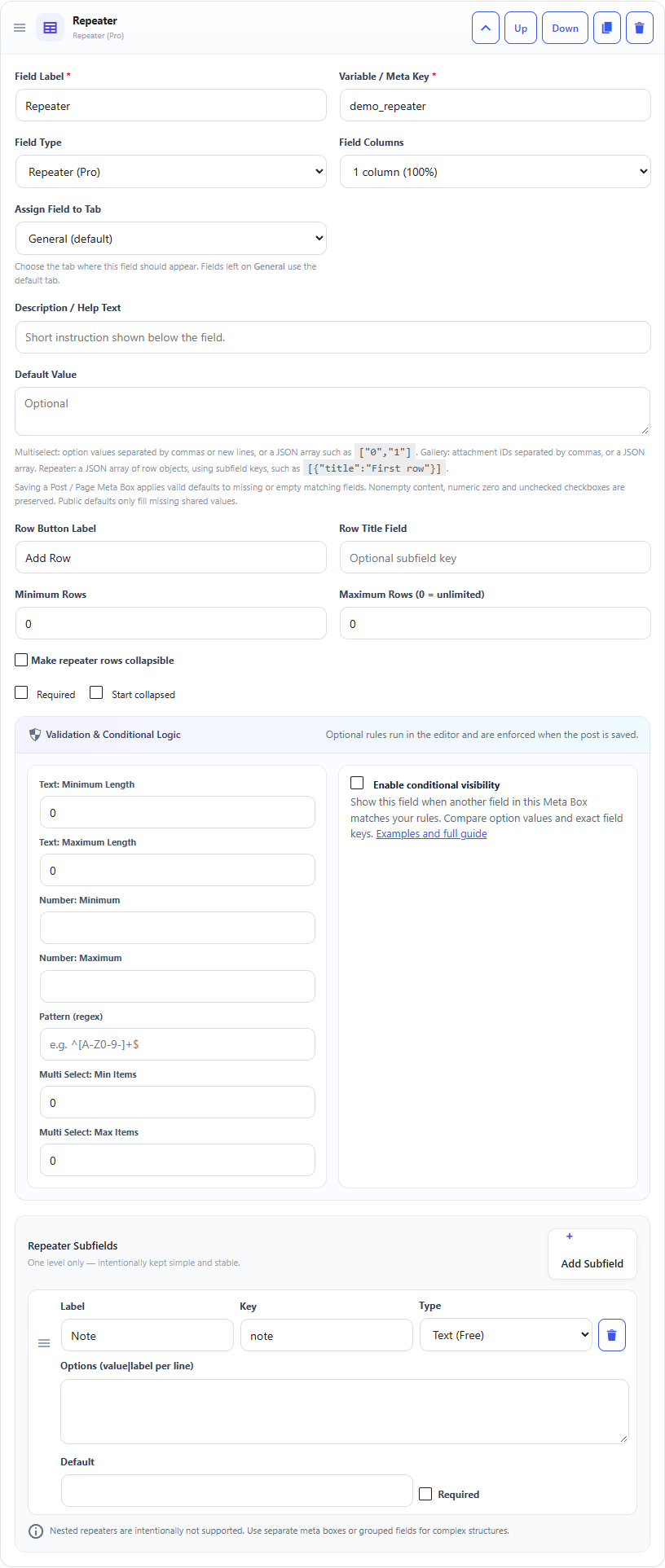
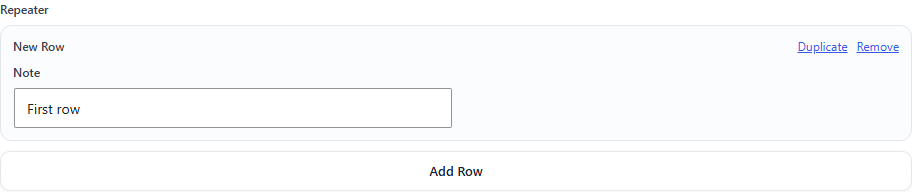
A repeater contains one level of repeatable rows. Add subfields such as Name, Role and Email. Editors can add, remove, duplicate and reorder rows.
Row limits
Set minimum and maximum rows when the structure has business rules. Use a row title field to make long lists easier to scan.
Why no nested repeaters?
Nested repeaters are intentionally excluded to keep the storage, validation, editor UI and REST behavior predictable. Use separate boxes or grouped fields for deeper structures.
Documentation for Dynamic Meta Box Builder 9.5.0.