
Targeting Rules
Choose the simplest targeting model that accurately describes where the box belongs.
Screenshots and walkthrough — expand to view
Screenshots use sample data and English labels. Follow the translated instructions on this page; your theme, language, permissions and license can change the available controls. Select an image to view it at full size.
Legacy targeting
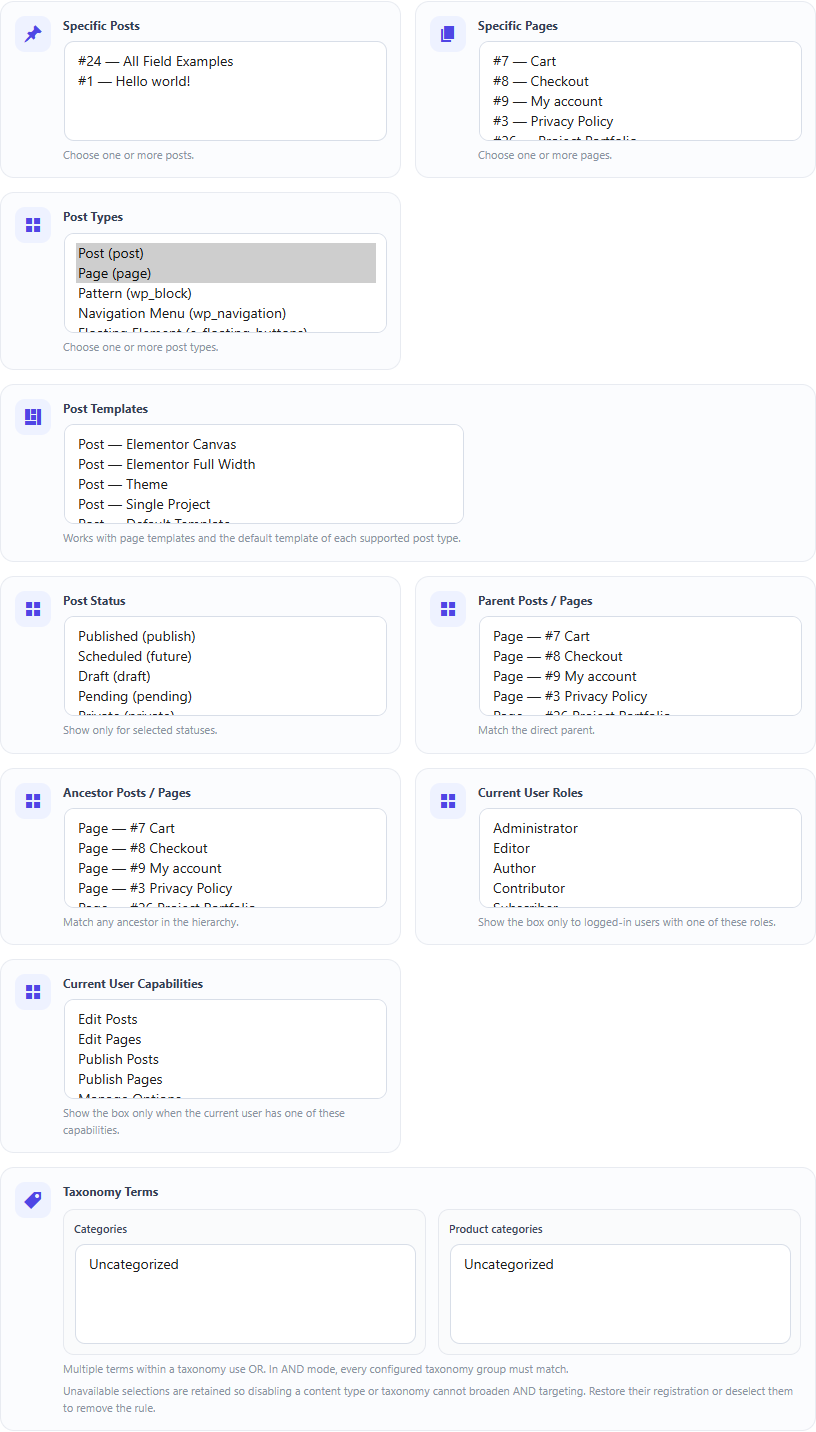
Traditional targeting supports specific posts/pages, post types, templates, status, parent/ancestor, taxonomy terms, current user roles and capabilities. Its existing ANY/ALL behavior remains backward-compatible.
Visual rule engine
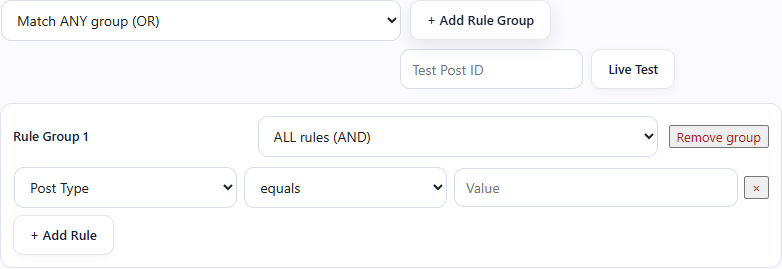
Enable Visual Targeting Rule Engine on a box to use nested rule groups. Each group uses ALL or ANY, and the group collection also uses ALL or ANY.
Build readable rules
For example: (Post Type = product AND Status = publish) OR (Post Type = page AND Template = special). Use small groups instead of trying to encode every condition in one long rule list.
Preview and diagnose
The builder can live-test unsaved targeting rules against a post.
Documentation for Dynamic Meta Box Builder 9.5.0.