
REST & Developer
Integrate Meta Box definitions and supported metadata with WordPress code and external clients.
Screenshots and walkthrough — expand to view
Screenshots use sample data and English labels. Follow the translated instructions on this page; your theme, language, permissions and license can change the available controls. Select an image to view it at full size.
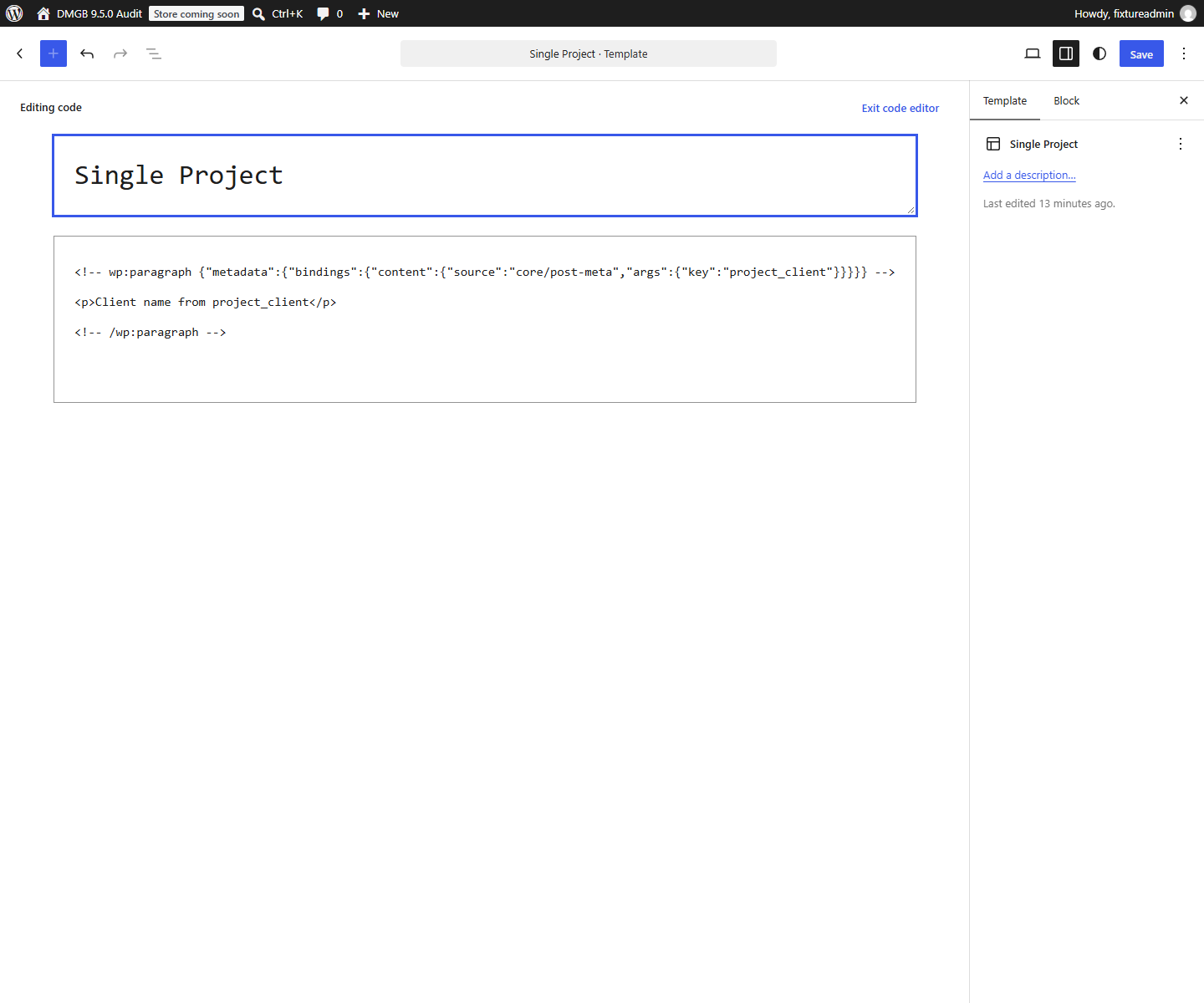
Definition API
Authenticated administrators can manage definitions through /wp-json/dmgb/v1/boxes and individual box endpoints. The same capability boundary used by the admin builder protects these routes.
Post metadata API
(Pro): Custom block metadata integration requires an active Pro license or eligible trial, including when the configured field uses one of the five free types. Compatible field metadata can be read and updated through /wp-json/dmgb/v1/posts/{post_id}/meta. The endpoint limits data to fields belonging to matching Meta Boxes and requires permission to edit the post and each metadata key. Registered fields on core /wp/v2/ post endpoints are editor-only: authenticated reads require context=edit, matching targeting and per-key permission. They are omitted from anonymous, view and embed responses. Native writes apply plugin sanitization and validation; invalid submitted DMGB values reject the request before the post is changed. Send an empty value to clear a field rather than null. Native numeric metadata accepts numbers only: clear an optional Number with an empty string through the DMGB endpoint. Native requests that would clear a Number are rejected before changing the post. Native numeric reads represent a blank as zero; use the DMGB endpoint to distinguish a blank from zero. Repeaters and integer-only storage keys use the DMGB endpoint; WordPress native schema merging reindexes integer keys. Prefer descriptive field keys. Larger legacy values remain available to theme code.
Developer hooks
Use the documented DMGB filters/actions for custom field types, custom sanitization, normalization, targeting and box lifecycle events. Prefer hooks over editing the plugin core.
Custom fields
Custom field integrations should sanitize values, escape output and define a predictable REST schema where applicable. Never assume a custom field is secure merely because it is hidden in the editor.
Documentation for Dynamic Meta Box Builder 9.5.0.