
Builder
Understand the builder controls before creating complex structures.
Screenshots and walkthrough — expand to view
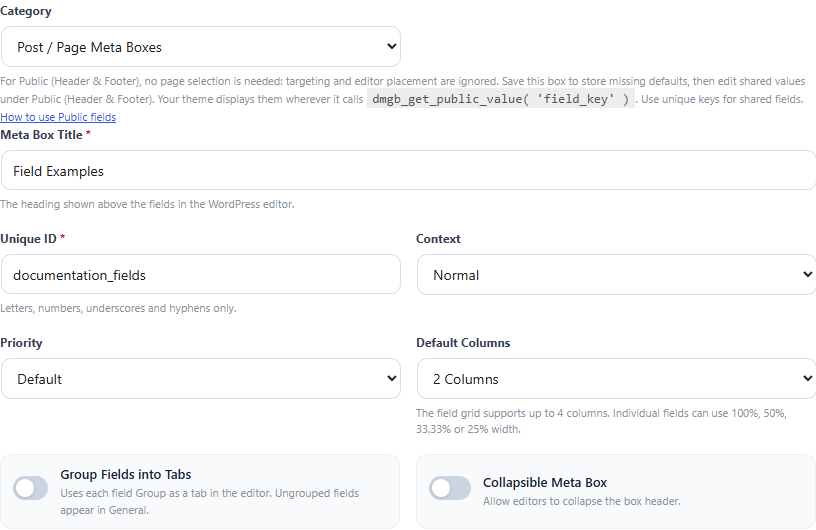
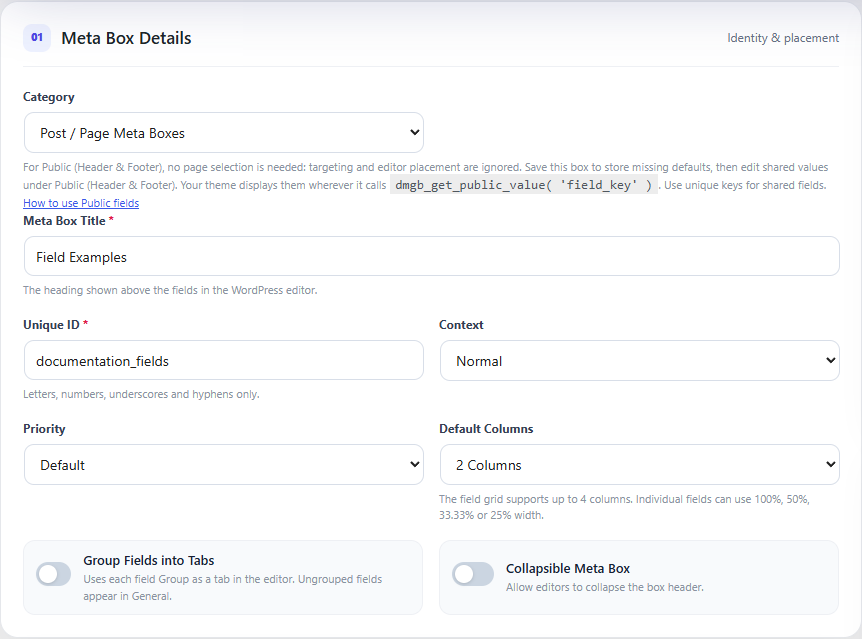
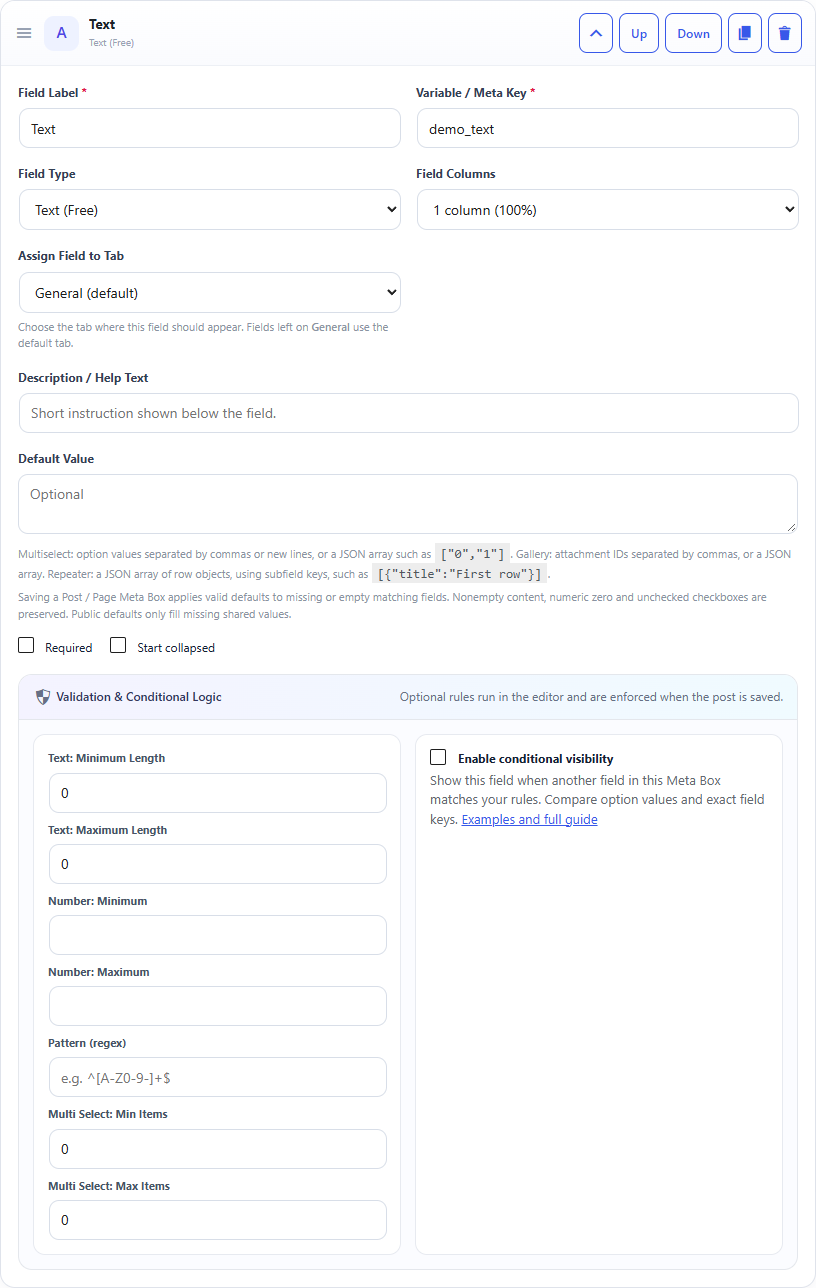
Screenshots use sample data and English labels. Follow the translated instructions on this page; your theme, language, permissions and license can change the available controls. Select an image to view it at full size.
Fields and order
Add fields from the field toolbar. Drag cards to change their order, duplicate fields when structures are similar, and remove fields without deleting existing post metadata.
Meta keys
Keys are normalized and duplicate keys are automatically adjusted. Treat the key as an API/storage identifier rather than a display label.
Layout
Use field columns for compact forms and box columns for larger editor layouts. Groups and optional tabs organize related fields without changing how the underlying metadata is stored.
Editor experience
Collapsible boxes, field groups, tabs, media pickers, repeaters and live previews are presentation features. They do not require a database migration and are normalized for older box definitions.
Documentation for Dynamic Meta Box Builder 9.5.0.